


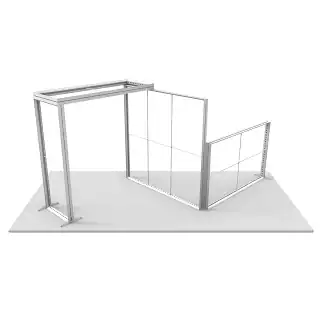


In the fast-paced world of trade shows and branded environments, visuals are your first handshake. Your display doesn’t just reflect your brand—it often defines it. That’s why custom graphics play a pivotal role in how effectively you engage your audience. When you’re setting up a Modular SEG Trade Show Display, your choice of file format can be the difference between a bold, polished visual and a lackluster, blurry backdrop.
This guide helps exhibitors, event managers, and designers understand the critical role of file formats in producing flawless, professional-quality graphics—ensuring every inch of your modular display delivers impact.
Why File Format Matters More Than You Think:
It’s not uncommon to spend weeks refining your brand visuals and layout, only to discover the final print is pixelated, stretched, or the colors look “off.” These issues often stem from using incorrect or low-quality file formats—formats not designed for the scale and precision large-format SEG graphics require.
Modular displays rely on fabric graphics stretched across frames with no visible borders. The tight fit magnifies any design imperfections, making clarity, resolution, and alignment non-negotiable. File formats that are optimized for screen use—like low-resolution JPEGs—fall short when translated to large-format fabric. The result? Dull impressions and wasted resources.
Choosing the Right Format for Flawless Fabric Prints:
High-performance displays demand high-quality artwork. Here’s how the most common file formats perform:
TIFF (Tagged Image File Format):
Preferred for large, image-heavy backgrounds, TIFF files preserve detail without compression. Ideal for gradient-rich designs or photographic backdrops. Due to their size, these files can be harder to transfer but deliver exceptional clarity.
PDF (Print-Ready):
A versatile format for complete layouts, PDFs maintain image quality, fonts, and vector graphics in one compact file. Most printers recommend press-ready PDFs with crop marks and bleed for accurate trimming.
AI and EPS (Adobe Illustrator & Encapsulated PostScript):
Vector formats that scale infinitely without losing sharpness. Best suited for logos, shapes, and text. Because vector graphics maintain their crispness at any size, they’re essential for detailed modular layouts.
JPEG (High Resolution Only):
While not optimal, high-res JPEGs (300 DPI or higher) may work if TIFFs or PDFs aren’t available. However, their lossy compression can introduce unwanted artifacts or fuzziness—risky for SEG print standards.
Resolution & Color: The Silent Graphics Killers
Resolution:
Aim for 100–125 DPI at full output size. Unlike print media that needs 300 DPI, fabric graphics viewed from several feet away look perfect at lower resolutions. Going under this threshold often results in soft, pixelated prints.
Color Mode:
Design in CMYK, not RGB. CMYK is the standard for print. RGB may appear brighter on screens, but when printed, it can shift unexpectedly. Always convert to CMYK before sending to print.
Bleed and Safety Margins:
Build in at least 1″ bleed on all sides, and keep text or logos within a “safe zone” to avoid misalignment or cutting during finishing. SEG prints wrap around frames, so every edge matters.
Working with Modular Display Templates
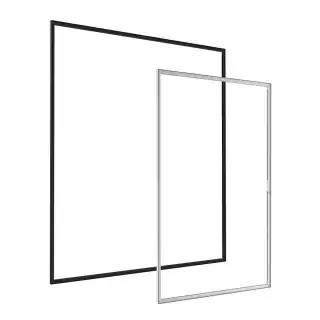
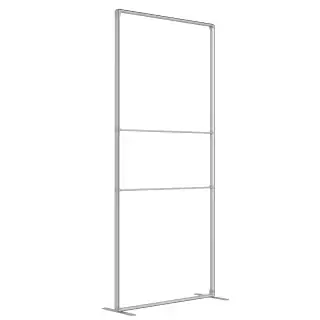
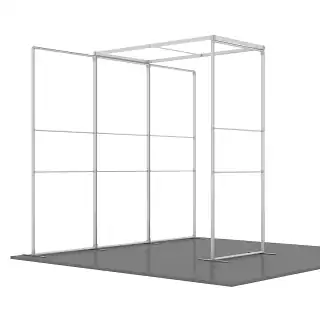
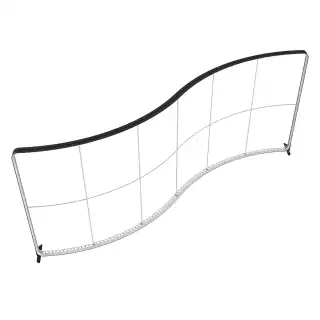
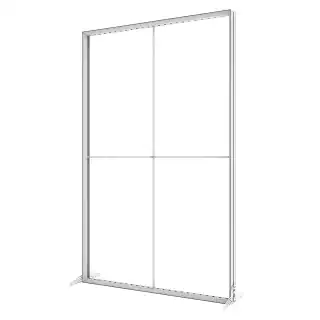
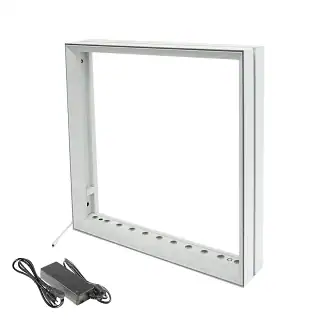
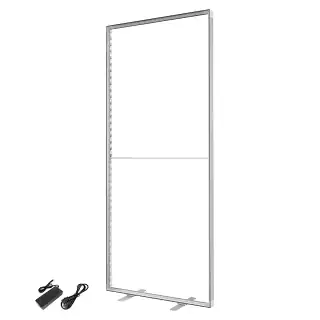
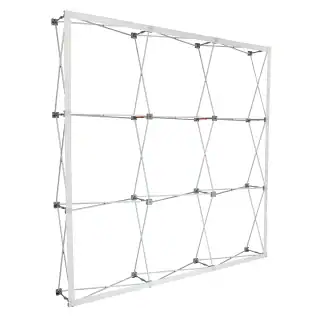
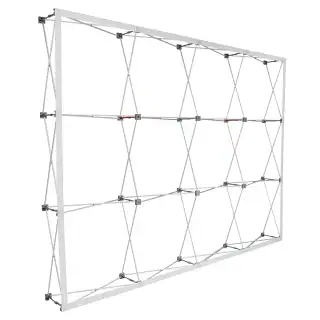
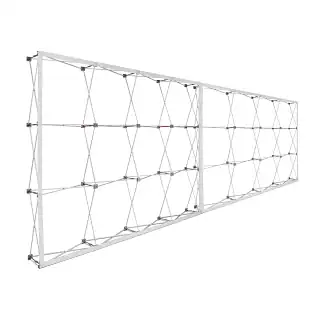
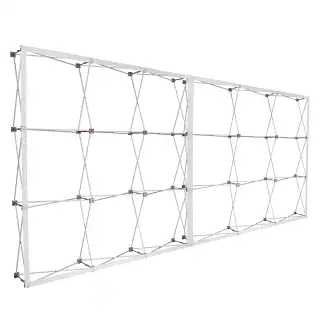
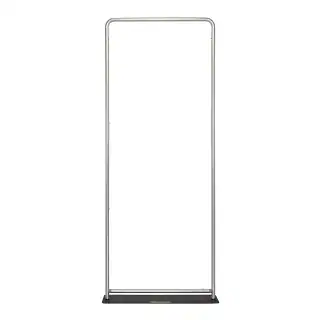
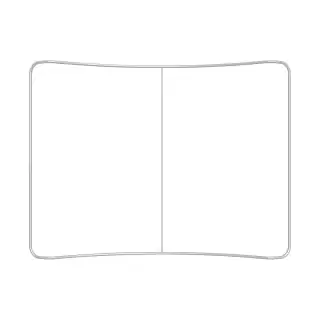
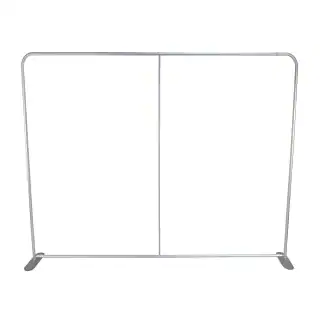
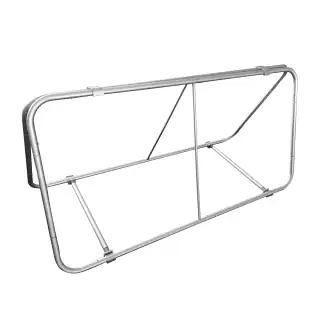
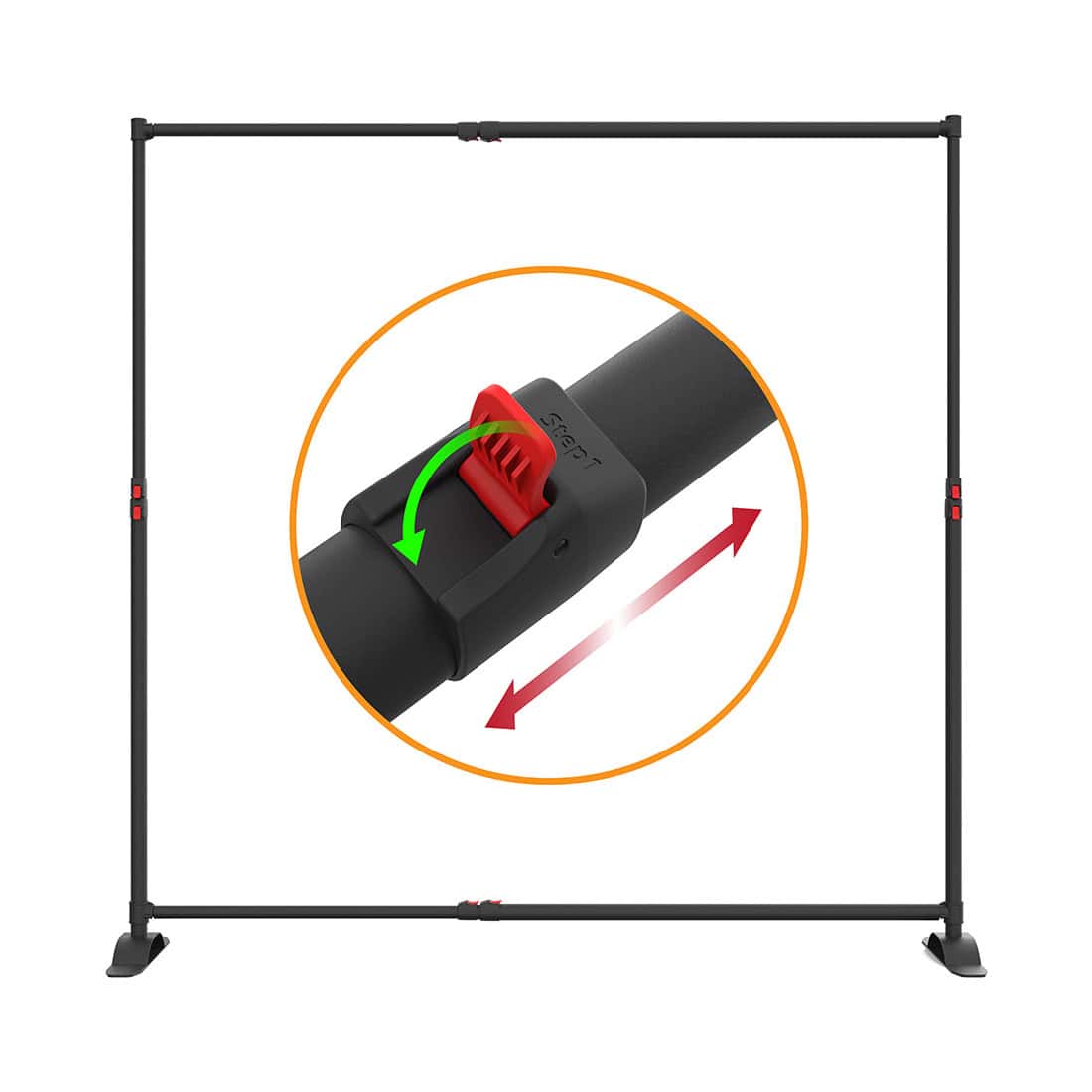
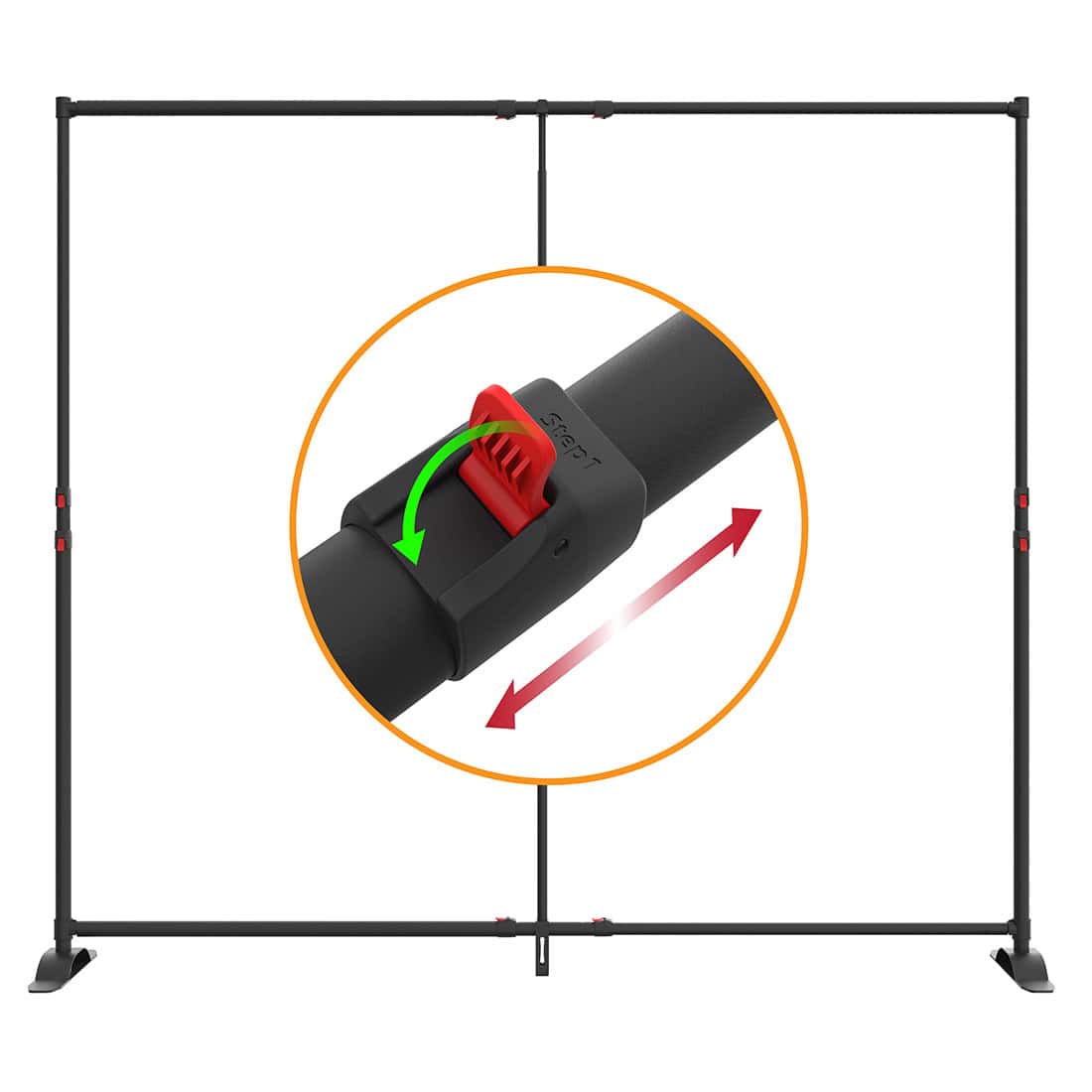
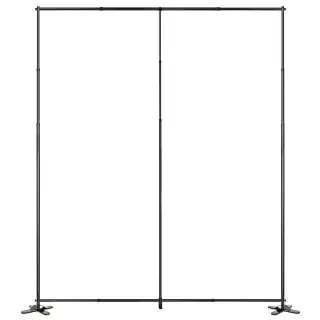
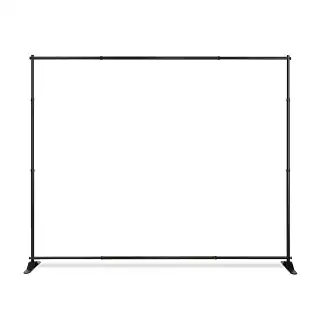
Whether you’re using a compact, lightweight collapsible frame or a full-size slim modular backdrop, display systems come with specific design templates. These templates outline the exact layout, visible and hidden areas, and bleed settings required.
By using these templates as your base canvas, you’ll prevent costly misprints and guarantee that your visuals align precisely with frame dimensions. Skipping this step could lead to gaps, wrinkles, or tension issues that compromise the display’s effectiveness.
Tension-Based Design Requires Precision:
The seamless look of SEG displays comes from stretching the fabric tightly within silicone edge channels. This puts added pressure on the accuracy of your file setup. If your graphics aren’t sharp, proportioned, or properly spaced, they’ll appear distorted once installed.
Avoid placing key messages or design elements too close to edges. A tight design fit ensures that trimming, folding, and stretching during setup doesn’t compromise your layout.
Collaborate with Display Printing Experts:
Even if you’re an experienced designer, always consult with your print provider early in the process. Share the type of display system you’re using and request a proof or pre-flight check of your files.
Reputable SEG printers often provide file guidelines, resolution checks, and color previews. Don’t skip these steps—what looks good on a monitor might fail when printed at eight feet wide.
Also, rely on display system providers like Birttani Display, who understand the hardware and provide compatible templates and recommendations based on years of field-tested experience.
Final Thoughts
Graphics can make or break your event presence. When working with a Modular SEG Trade Show Display, precision and quality are paramount—and that starts with the file format. By understanding what formats work best, how color and resolution affect output, and how to work within the constraints of modular systems, you empower your brand to stand out confidently and professionally.
Every curve, line, and color in your design contributes to your story. So don’t leave file formatting as an afterthought. Get it right from the start—and watch your display command attention, booth after booth.











 5101 Commerce Dr., Baldwin Park, CA 91706
 ExhibitorLive 2026 , Mar 30-April 1, Tampa , FL , Booth #237